
Your screen.
Your data.
Record videos, capture screenshots, and edit everything locally. Upload only when you choose. No accounts, no tracking, no compromise.
Three steps to private recording
Record & Capture
Record videos or capture screenshots with one click. Use the built-in editor to trim and refine videos. No external software needed.
Store Locally
Every recording stays on your device. Complete privacy by default. No cloud sync, no auto-uploads, no data collection.
Share Videos
Need to share videos? Upload to YouTube or Google Drive and get an instant link. Screenshots stay local. You decide what leaves your machine.
See Kliper in action
Powerful features designed for seamless screen recording and editing
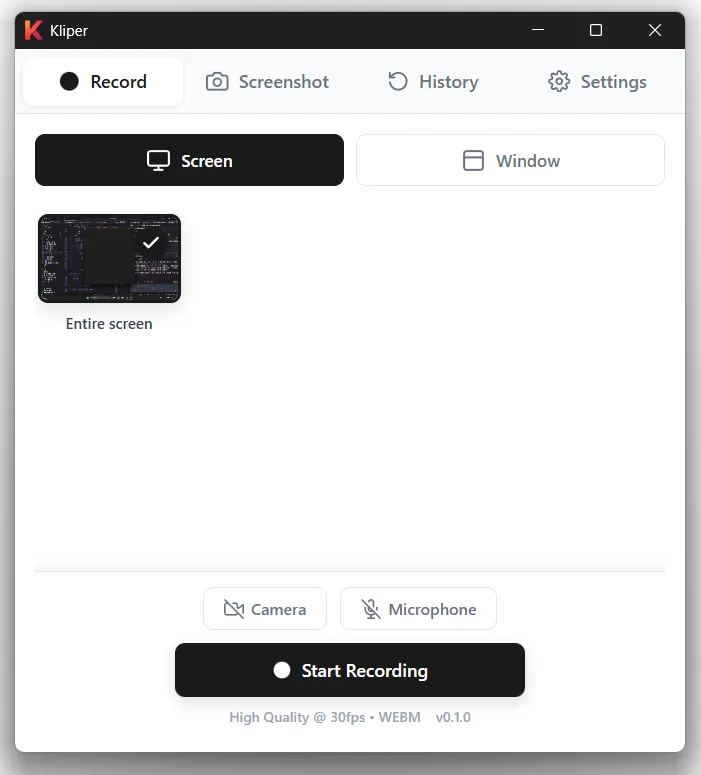
One-Click Recording
Start recording instantly with our intuitive interface. Capture your entire screen or select specific regions.
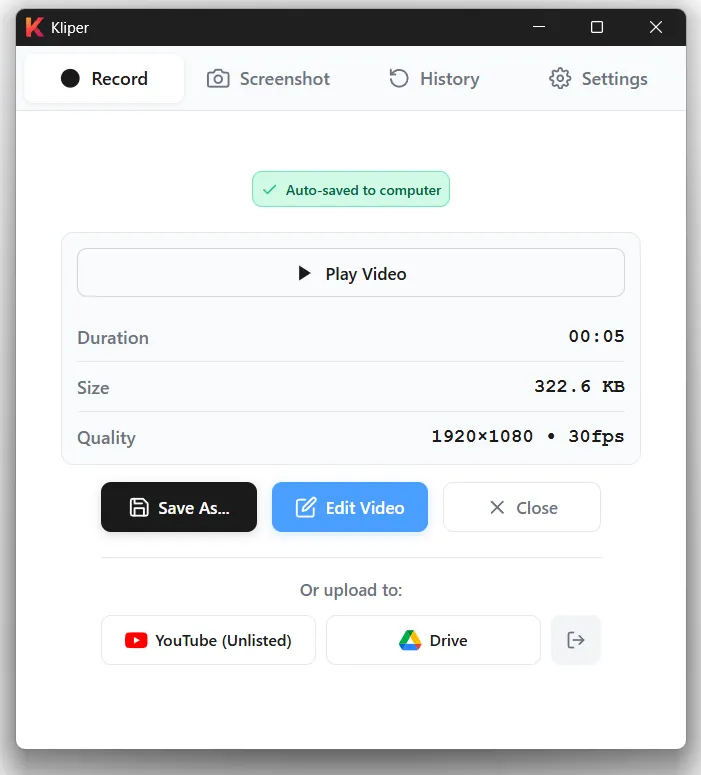
Instant Preview
Review your recordings immediately after capture. Edit, trim, or share with just a few clicks.
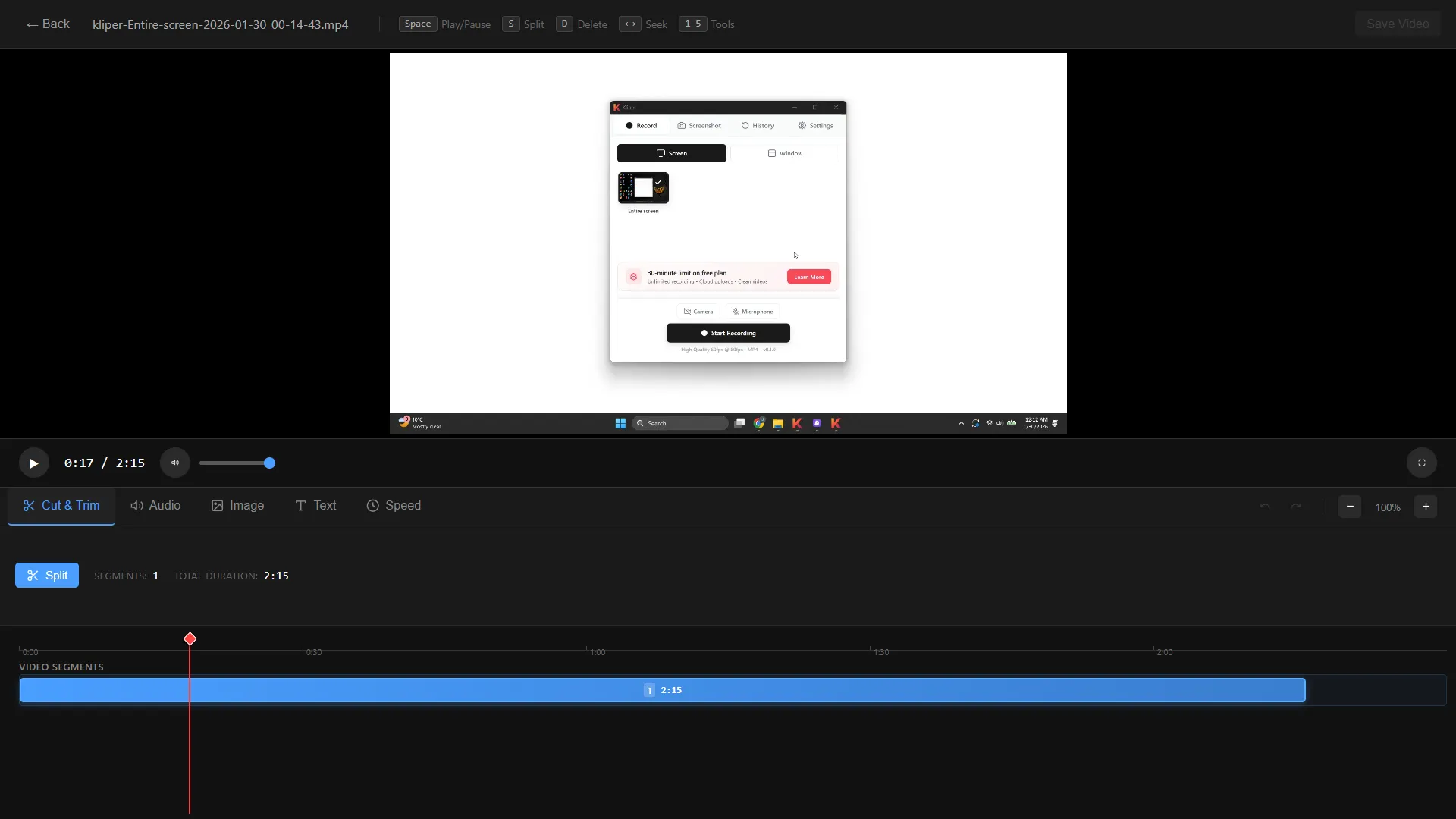
Built-in Video Editor
Trim, cut, and refine your recordings with our powerful built-in editor. No external tools needed.
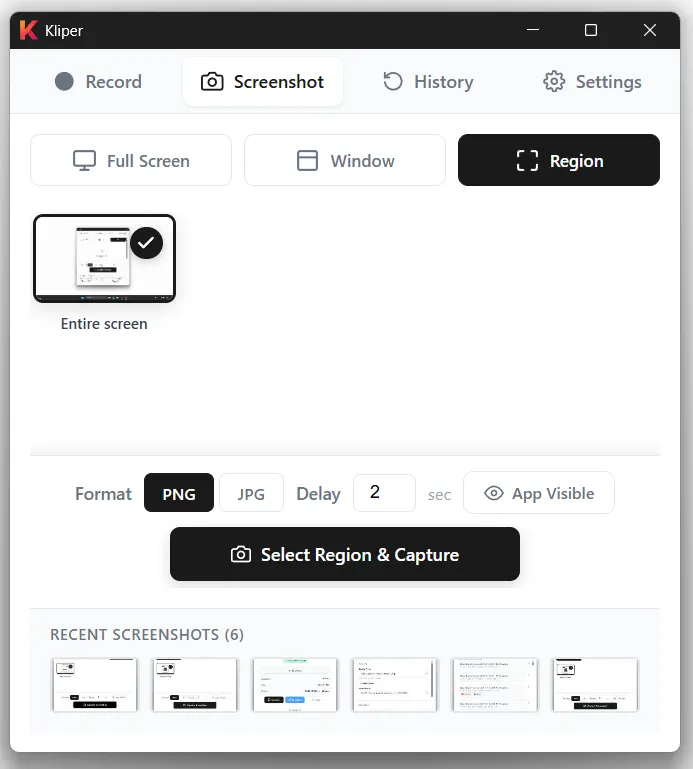
Screenshot Capture
Capture full screen or select specific regions for screenshots. Perfect for quick captures and documentation.
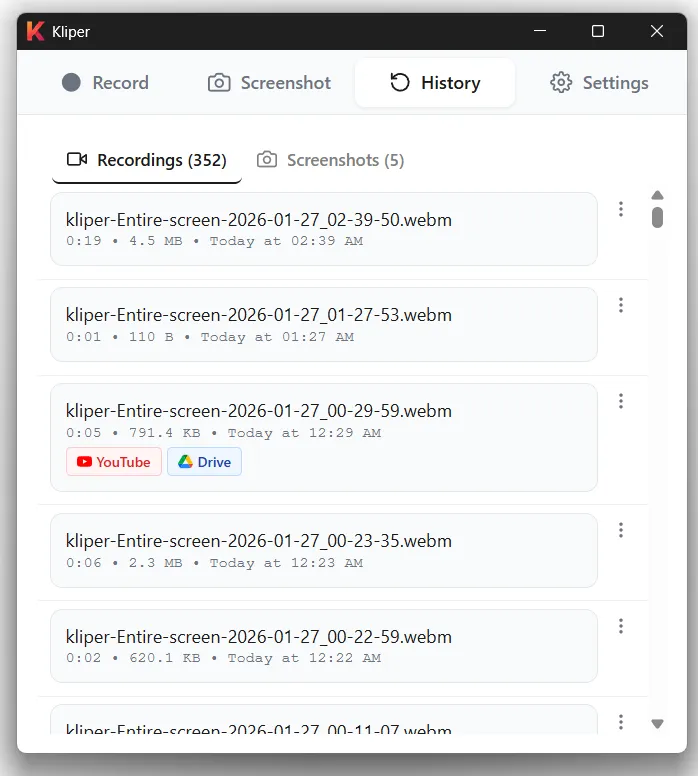
Complete History
Access all your recordings in one place. Organized, searchable, and always available locally.
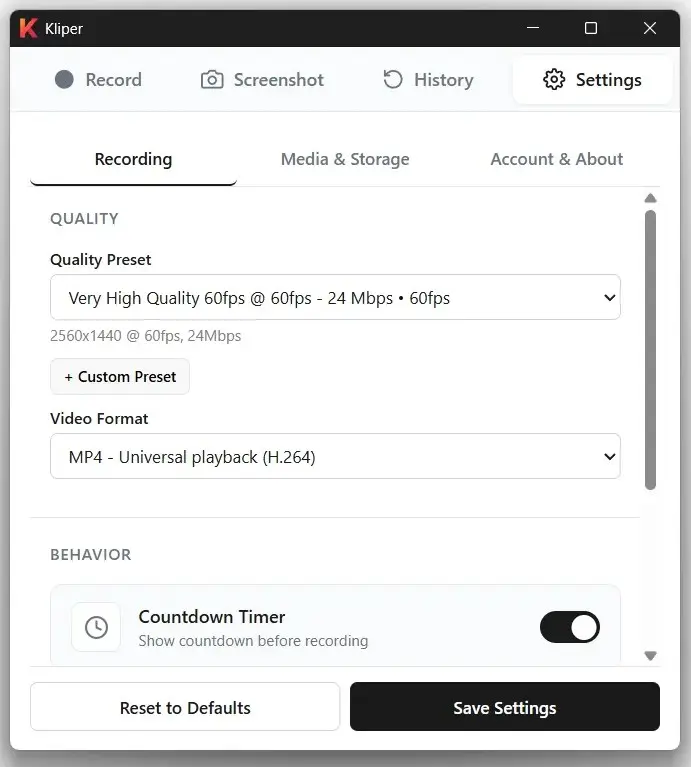
Customizable Settings
Fine-tune every aspect of your recording experience. From quality to shortcuts, you're in control.
Choose your plan
Starter
Always free
-
✓
Unlimited recordings & screenshots
Store as many videos and screenshots as you want locally
-
✓
Built-in editor
Trim and cut your recordings
-
×
YouTube & Google Drive uploads
Pro feature (videos only)
-
×
Watermark
Pro
One-time payment
-
✓
Everything in Starter
All free features included
-
✓
No Watermarks
Professional, clean exports
-
✓
YouTube upload
Upload videos to your YouTube account
-
✓
Google Drive upload
Upload videos to your Google Drive
-
✓
Use on 5 devices
Activate your license on up to 5 devices simultaneously
Ready to start recording?
Download Kliper and start creating professional screen recordings with complete privacy.